

Blog
Taking on a new livery client should be one of the nicest parts of running a yard – not a fiddly form-filling exercise. We've improved how you add a new user at every stage, so you can get your new livery set up in record time.
We've combined what used to be several separate stages into two simple screens.
Say a new livery arrives with three horses. Before this update, getting them set up meant:
Four stops, with the last one repeated for every horse the client brings to your yard. Now it's two screens.
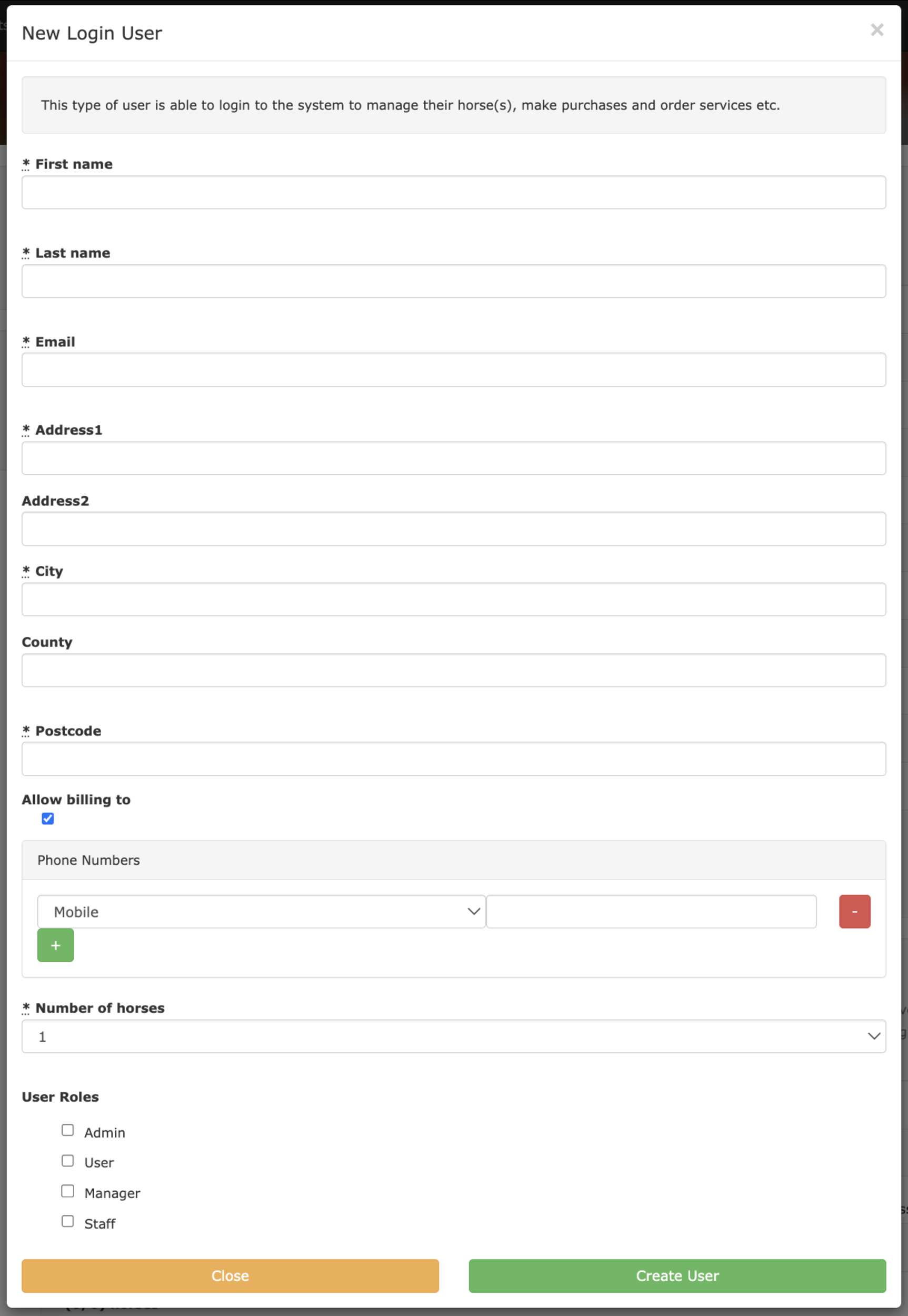
Once you're up and running with At The Yard, your most common type of user will be a standard 'Logon User'. These users can make the most of the system, logging in and managing their account directly.
So we've made it the default. Click the 'Create New User' button and there's no user type selection screen to work through – you land on the form itself.
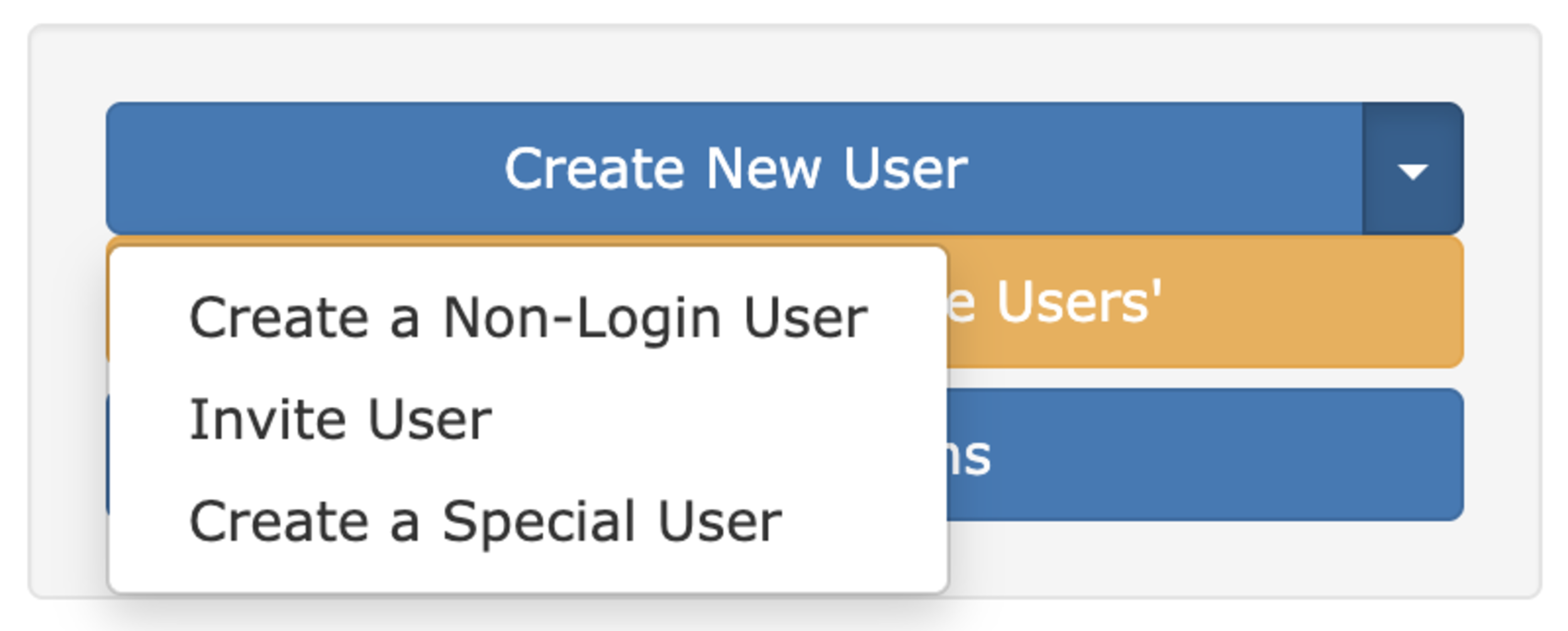
Nothing has been taken away, though. The less common options are tucked neatly into a drop-down right next to the default button.
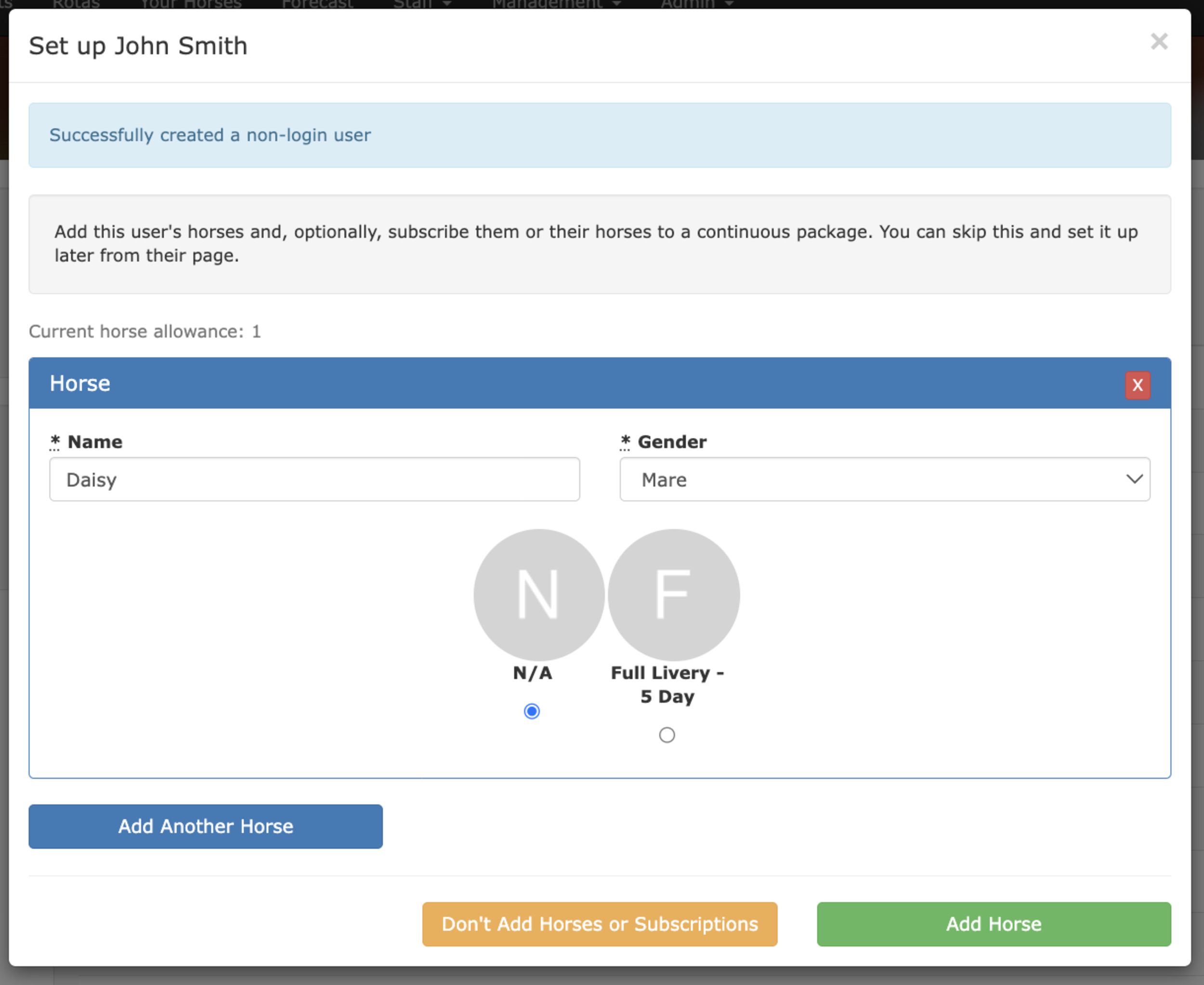
As soon as you've created your new user, you're taken into the next step, where both jobs happen on the same screen: - Add their horses – as many as you need, with a name and gender for each. - Subscribe them to their livery packages – choose the package right there alongside the horses you're adding.
That's the trip to Subscriptions – and the repeat visit for every single horse – gone entirely.
Prefer to sort packages out later? Skip the step and add them from the Subscriptions page exactly as you always have.
Taking on a client used to mean bouncing between several screens and repeating yourself for every horse. Now it's a single, guided path. Less clicking, fewer mistakes and a smoother welcome for every new face at the yard.
It's live now – you'll see it the next time you add a user. As always, if you have questions or feedback, we'd love to hear from you.