

Blog
It’s common for yards to look after a horse on behalf of the owner when the Vet, Farrier, Equine Dentist etc. comes to the yard. This is an essential service for owners who work full time and might not be able to get to the yard themselves.
When it comes to paying it’s simple when it’s a large business (like a veterinary practice) they just add it onto the owners account and have their finance department keep track. But when it’s a smaller supplier typically 1 of 3 things happens:
Option 1 ensures the supplier is paid in full and on time (which keeps them happy) but mean’s you’re having to use the yard’s money, not only tying up capital but should the owner decide not to pay making you the one out of pocket.
Secondly when you recharge the owner it’ll count as an income from an accounting point of view (even though there’ll be an equal expense to cancel it out). Whilst this shouldn’t increase your tax bill can push you towards the VAT registration threshold (we wrote a blog post around this subject last year - https://www.attheyard.co.uk/blog/2018/5/11/the-future-of-vat-and-livery-yards). Many yards wish to stay under this threshold and certainly wouldn’t want to be pushed into it based on ‘recharged’ services where there is no upside for them.
Option 2 takes all the burden off of you but comes with other issues. You can end up being in the middle of a supplier and owner who’s paid late or not at all. In the worst cases this can sour the relationship between the yard and the supplier - something nobody wants to happen.
All this whilst being out of the loop of what’s going on and unable to step in and defuse the issue before it becomes critical. It’s the simpler option but perhaps not the most effective…
Option 3 is a middle ground. The yard would act as an intermediate, receiving the requests for payment and passing them onto the owner, who can then pay the supplier directly.
You can keep informed whilst never being out of pocket, the only real downside is it means more admin work.
After considering all the options, and talking to our customers, option 3 looks to be the best approach and so, today, we are introducing Third Party Payment Requests into At The Yard.
With Third Party Payment Requests in At The Yard you get all the benefits of acting as an intermediate with none of the downsides. We’ll help you keep track of everything and keep the admin to a minimum.
All you need to do is enter the requests from the supplier into At The Yard when they give them to you. Once done the owner gets a notification of the request and can go ahead and pay it (and let you know). This way you can stay on top of everything - with At The Yard automatically showing you who has outstanding bills so you can give them a friendly prompt and keep relations between the yard, owners and suppliers in tip top shape!
As always, all current subscribers to At The Yard have already received this update.
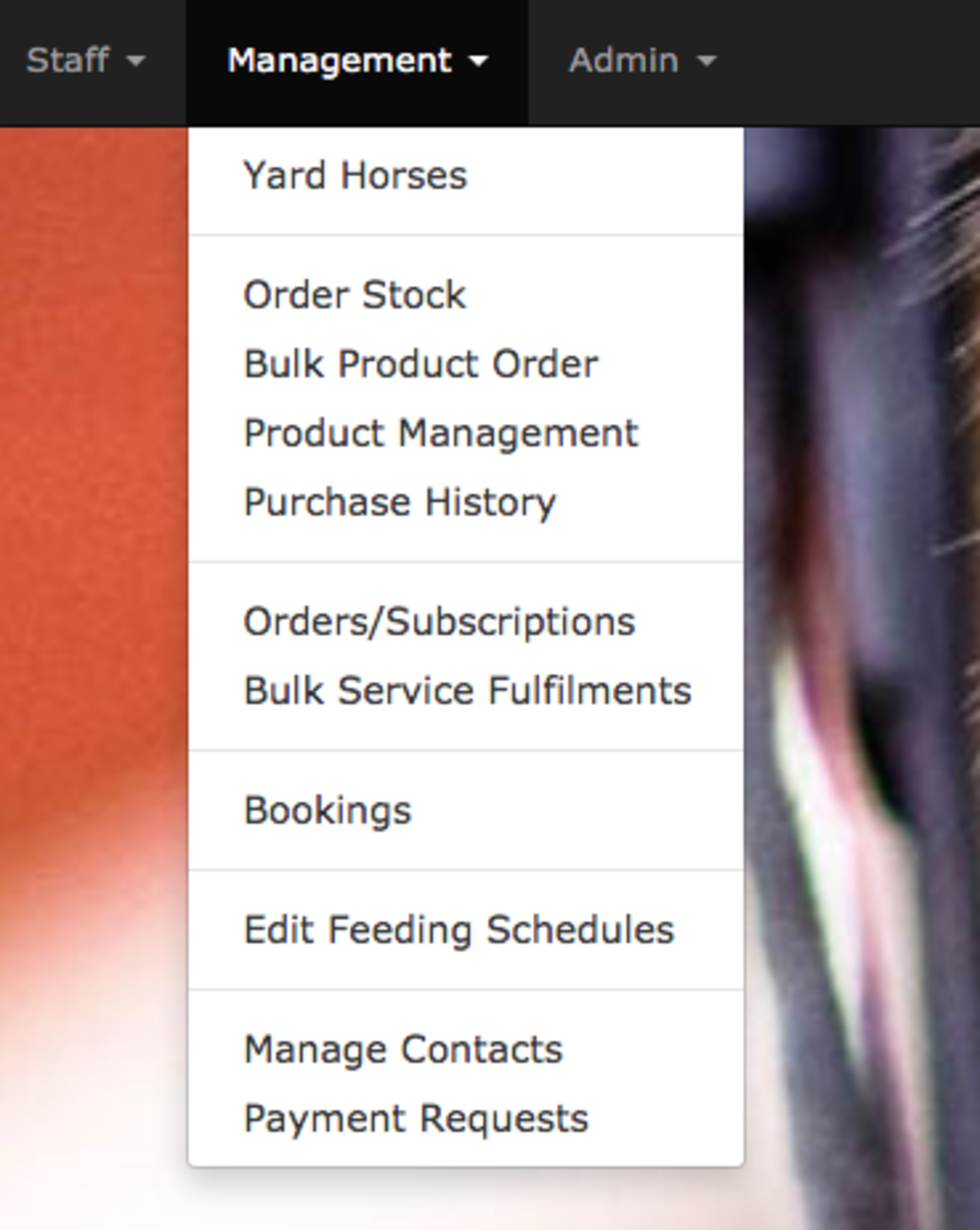
As a manager user go to the manager tab and click payment requests. From here you can start adding requests for payments on behalf of the suppliers.
P.S. If you've stumbled across this page and have your own livery yard we'd love to show you more of At The Yard. Please visit our contact page and get in touch.
In yesterdays video we looked at how to setup products in At The Yard. In todays video will be looking at the feed system; how to customise it, how to set it up and how to use it.
Check out the video below to find out how.
A key part of At The Yard is getting your products setup for your customers to purchase either when visiting your yard or for the care of their horse when they’re boarding their horse with you. Once setup you can use many of the additional features in At The Yard that are based around products. For example included products as part of a livery package or in the feeding schedule system.
However, it’s important to get the basics setup first and that’s what we’ll be looking at today. At The Yard has three types of products:
For each type of product At The Yard will automatically calculate the correct price for the amount purchased, ready for you to bill for at invoicing time. Check out the video below to find out how.
Over the last year we’ve seen our customers starting to use the booking system in At The Yard to schedule riding lessons. To make this easier we’ve been periodically adding features to make using it for this scenario more effective. One example of this development is the Request system we implemented a while ago which allows a user to request a booking and for you to approve, deny or suggest an alternative.
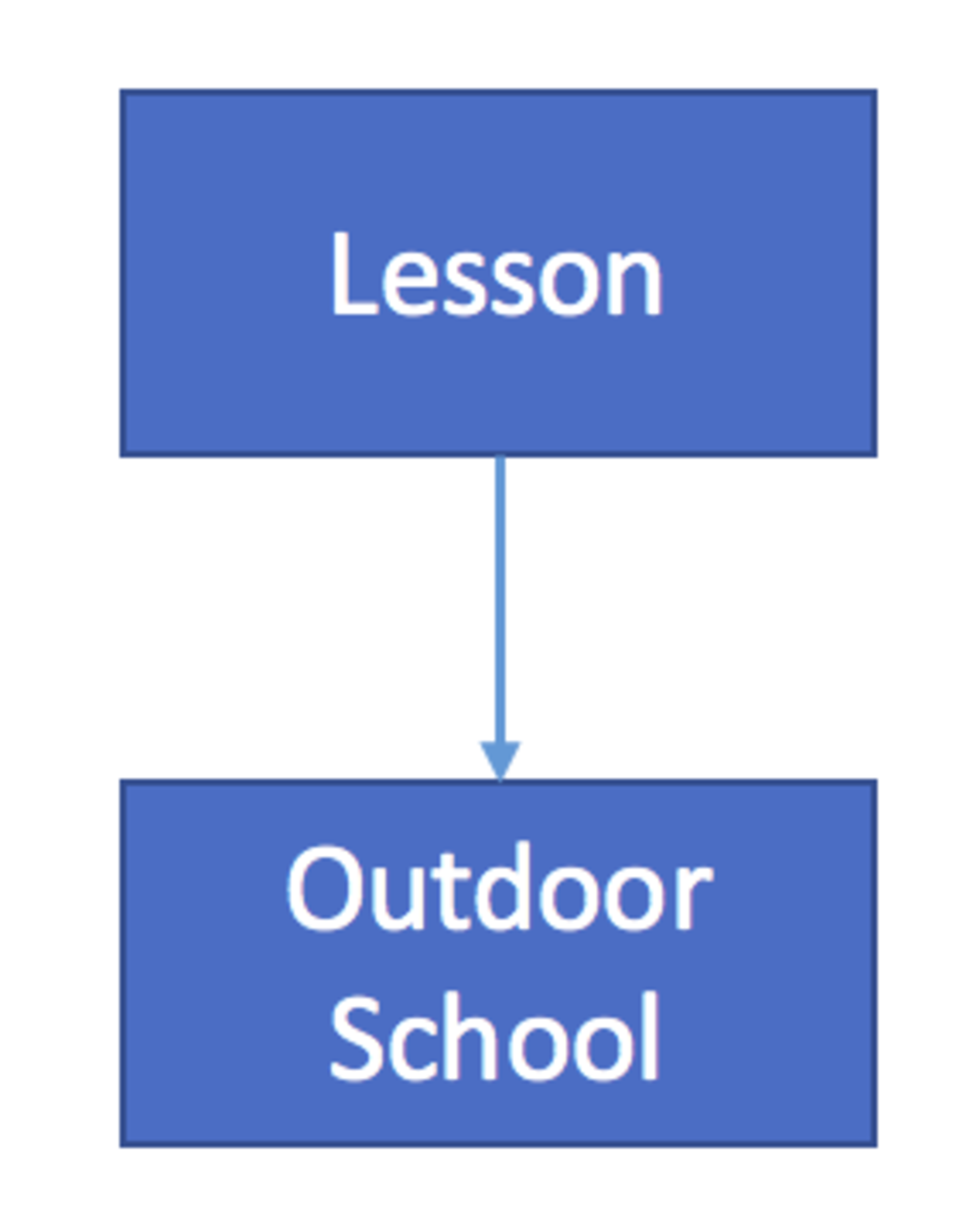
When booking a riding lesson you also need to ensure that another facility (such as the outdoor school) is available at the same time (it’s not much good having a lesson if you’ve got nowhere to ride). Until now you’ve had to manually do this process, either by booking it before approving the request or by asking your customer to also request/book the necessary facilities when booking the lesson.
Whilst this has worked, it’s been an area that we’ve wanted to improve for a while. We want customers to just book the lesson and have all the dependencies booked automatically at the same time.
To make this possible we are today releasing the a feature called Composite Bookings.
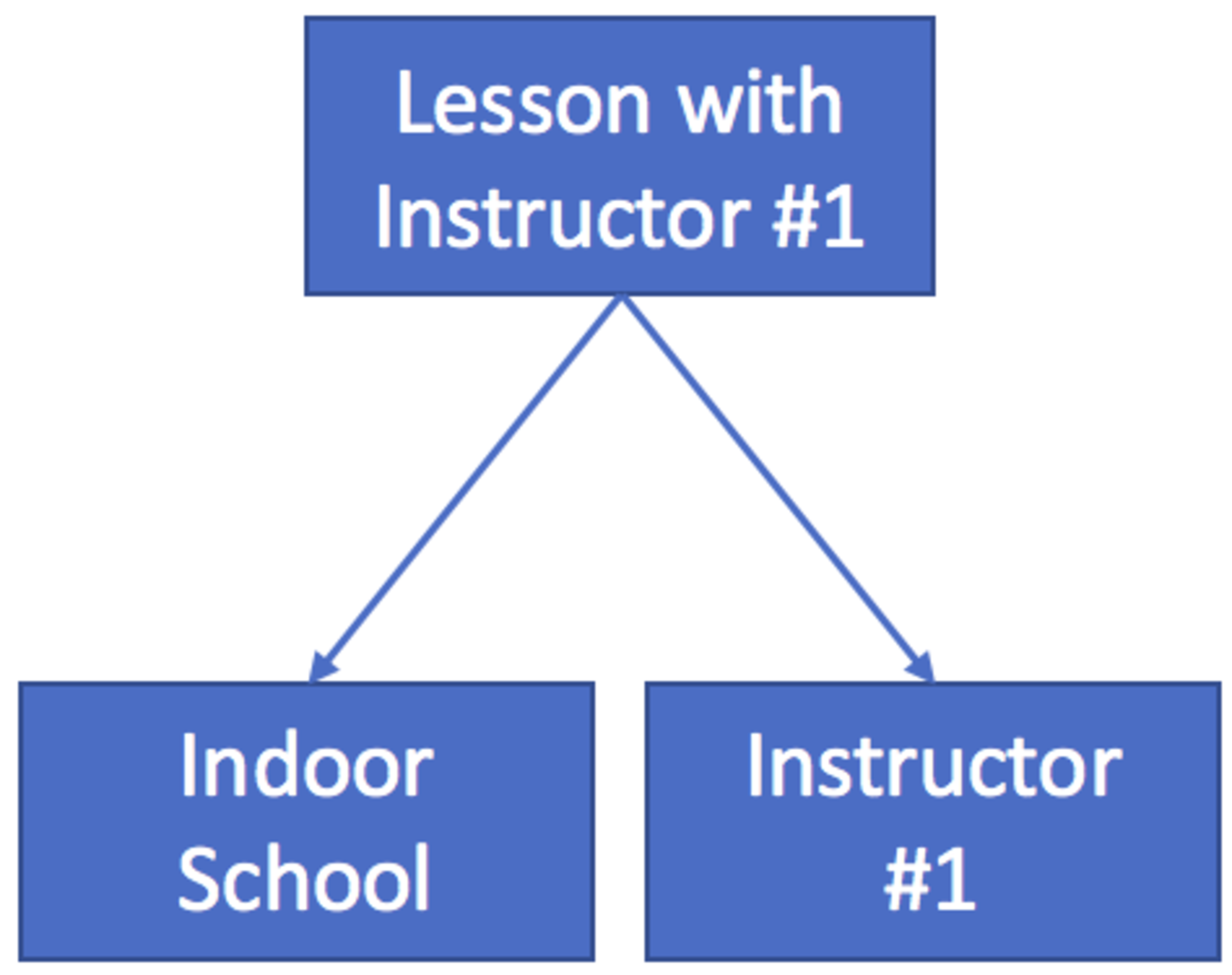
Composite Bookings, literally meaning bookings made up of several parts, takes away the extra steps that have been involved in booking a lesson up-to now. It supports the ability to have multiple dependencies (e.g you can require the outdoor school and also for an instructor to be accessible) or simply just one dependency (e.g like a school in our original example).
Once setup, however simple or complicated your dependencies, it’ll automatically book everything needed. Your customers simply need to book the one thing they care about. In this case, the lesson!
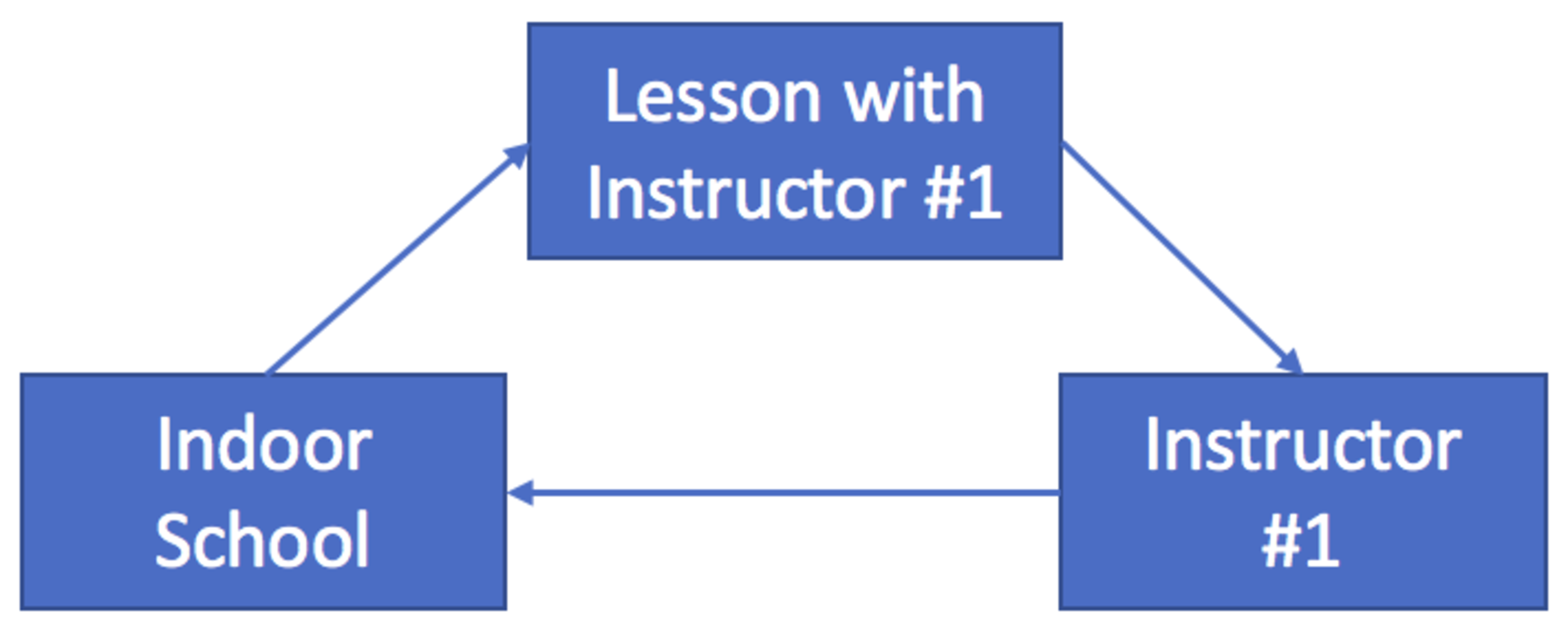
This setup process only needs to be done once by the yard admin. It’ll define the relationships between different facilities. Each facility can be involved in multiple dependency chains (e.g. Both Lesson with Instructor #1 & Lesson with Instructor #2 can both depend on the Indoor School being free). The one restriction that we impose is that you cannot have loops in your dependencies (as show in the diagram) - but don't worry it’ll let you know if you try and form a loop.
To start the setup process go to Admin -> Facilities Note: You’ll need to create all your facilities before creating the dependancies. To setup the dependancies for a facility, click on Edit for the respective facility. On the dialog which opens, scroll down to the Dependant Facility section. To add a dependancy click on the Green + button. You can then select the dependancies for this facility (shown in the diagram below for our example “Lesson with Instructor Number 1”). This can be repeated as many times as necessary.
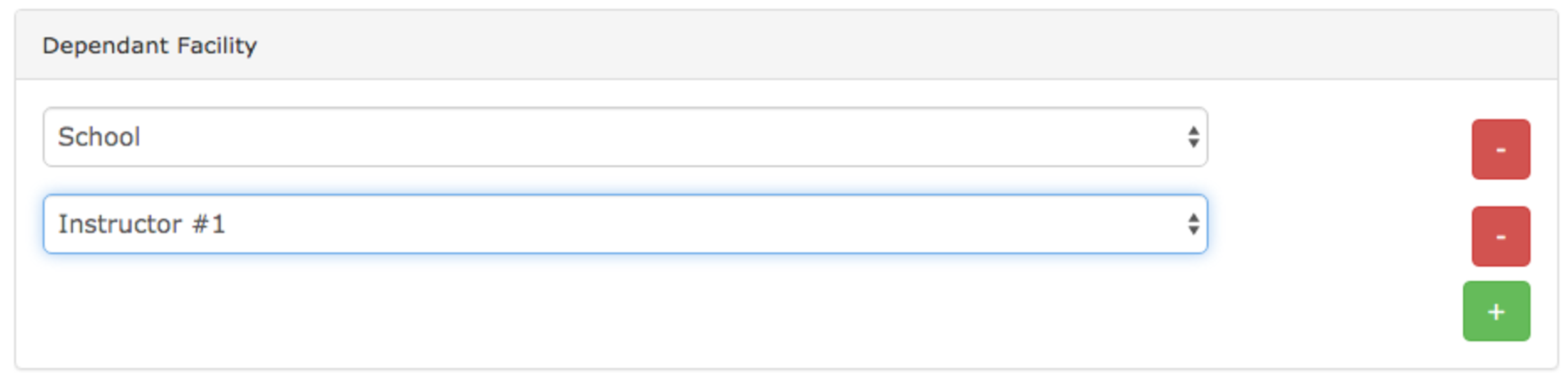
Once you’ve finished choosing the dependancies click on Update Facility. This will set your dependancies and from then on, in our example, any bookings for “Lesson with Instructor Number 1” will automatically make a corresponding booking for the School and for Instructor #1.
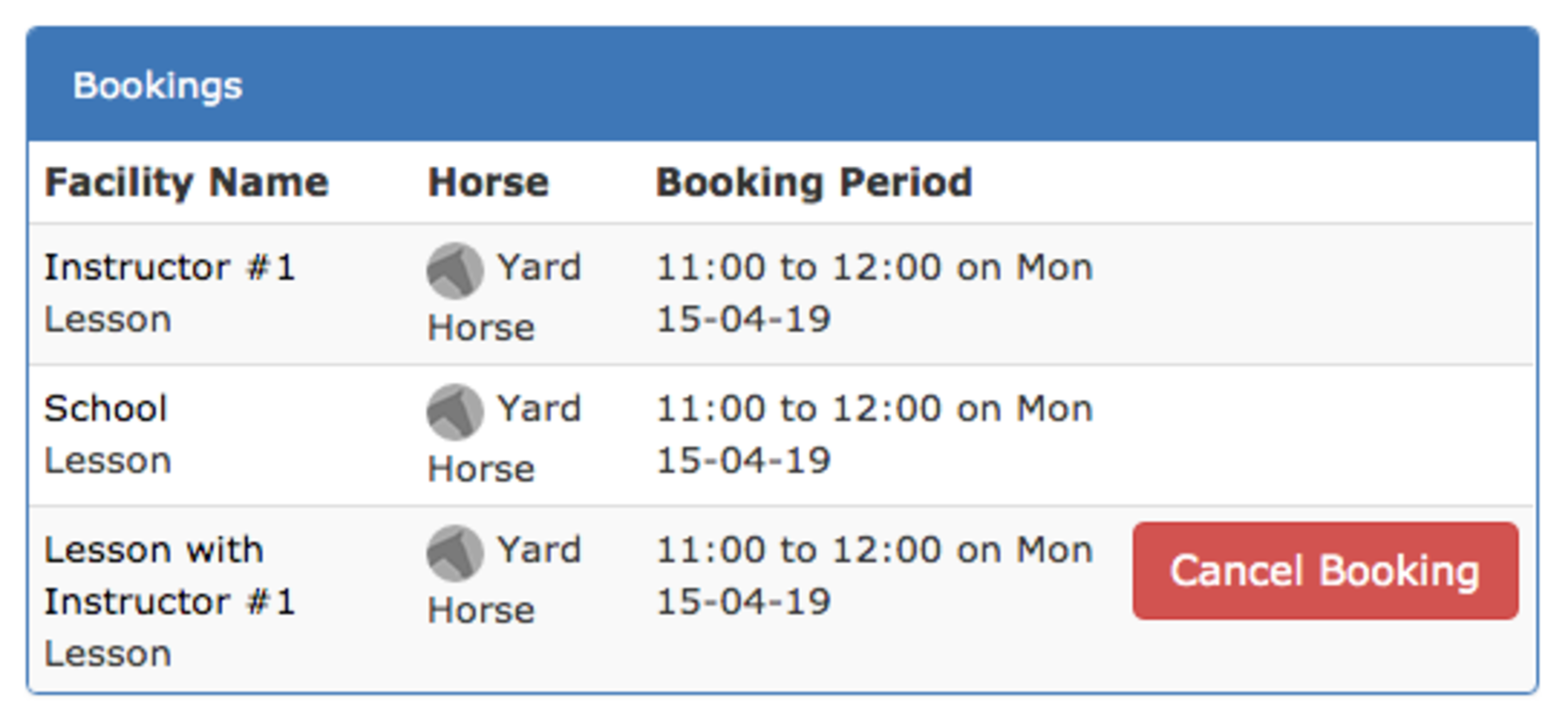
The process of making a composite booking as a customer/member/livery is exactly the same as they’re already used to. They just go to the booking screen, select what they want, choose a time and then click on book. The difference is it’ll book all the other required facilities at the same time.
This result is shown in the diagram on the right/above. You’ll note that there is no Cancel Booking on the automatically made bookings. They’ll be removed automatically if/when the Cancel Booking button is pressed on the primary booking (in this case Lesson with Instructor #1).
Reading this post you’ll notice that there are a few ‘inconsistencies’ in the way we use the term Facility(ies). For example whilst a Lesson would more logically be called a service we’re still calling it a facility. This discrepancy occurs because within At The Yard Services are typically date based (e.g. booking for a muck out for a date or a selection of dates) where as Facilities are time based (e.g. you have slots available to book and they select time from those slots). This discrepancy won’t cause issues for your users but we thought we’d note it here to remove any confusion that may arise when setting up.
The next enhancements to the booking system will be attaching a ‘booking schedule’ to each horse. This means you’ll also be able to ensure that the horse they’ll be using for a lesson will be available at the same time as a lesson. This is great for facilities which have horses available to use as part of a customers membership.
Check back soon for more updates or follow us on Facebook where we post notifications of updates to At The Yard.
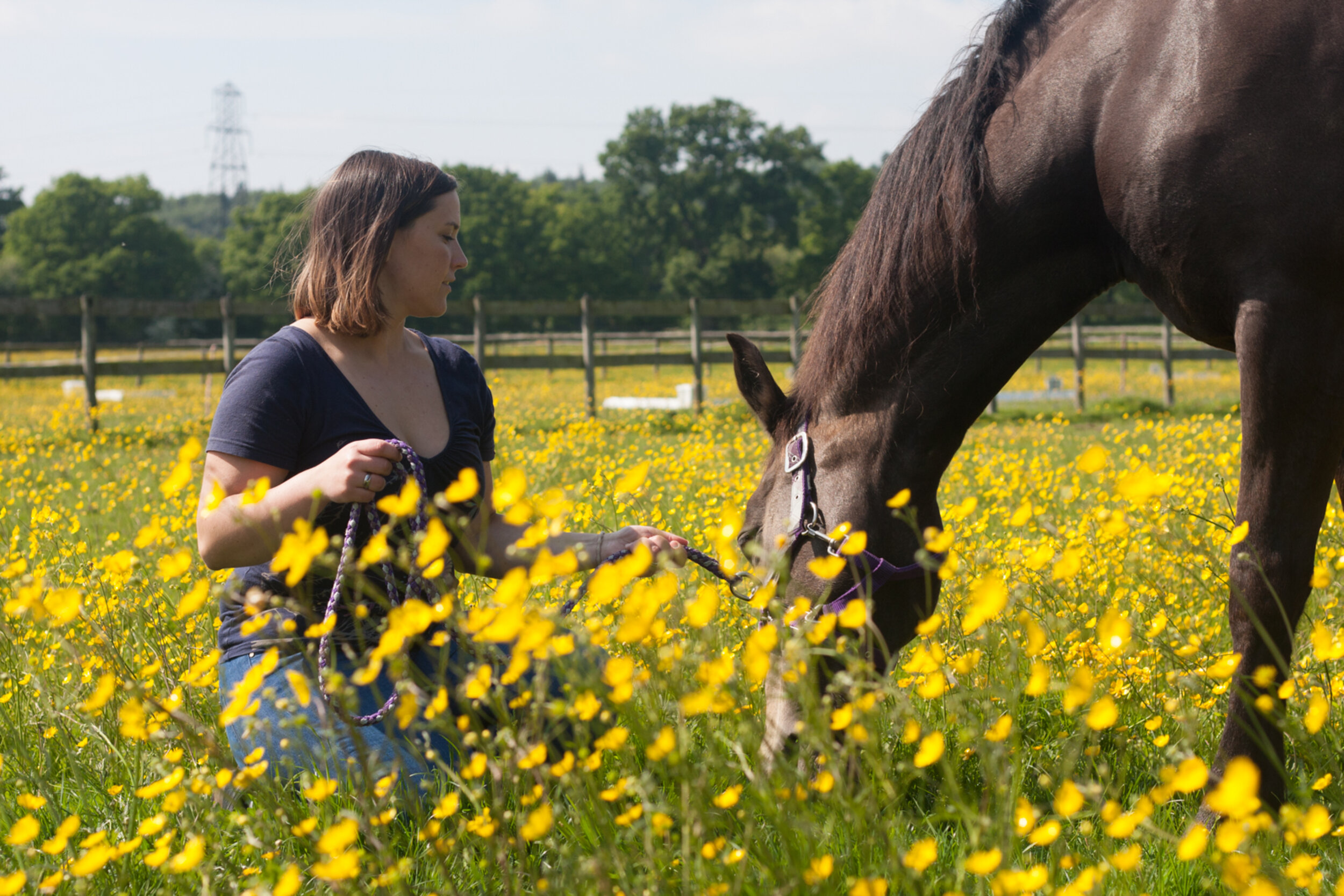
You may not know that we take almost all of the photos that you see on our website, blog, and Facebook posts. We’re not professionals but it’s become a bit of a hobby and we’d like to share it with you.
We are very fortunate that our mare is an old hand at being a model for our pictures, and is either happy to stand and be photographed or in the worse case scenario, tries to use the equipment as an ear scratching post.
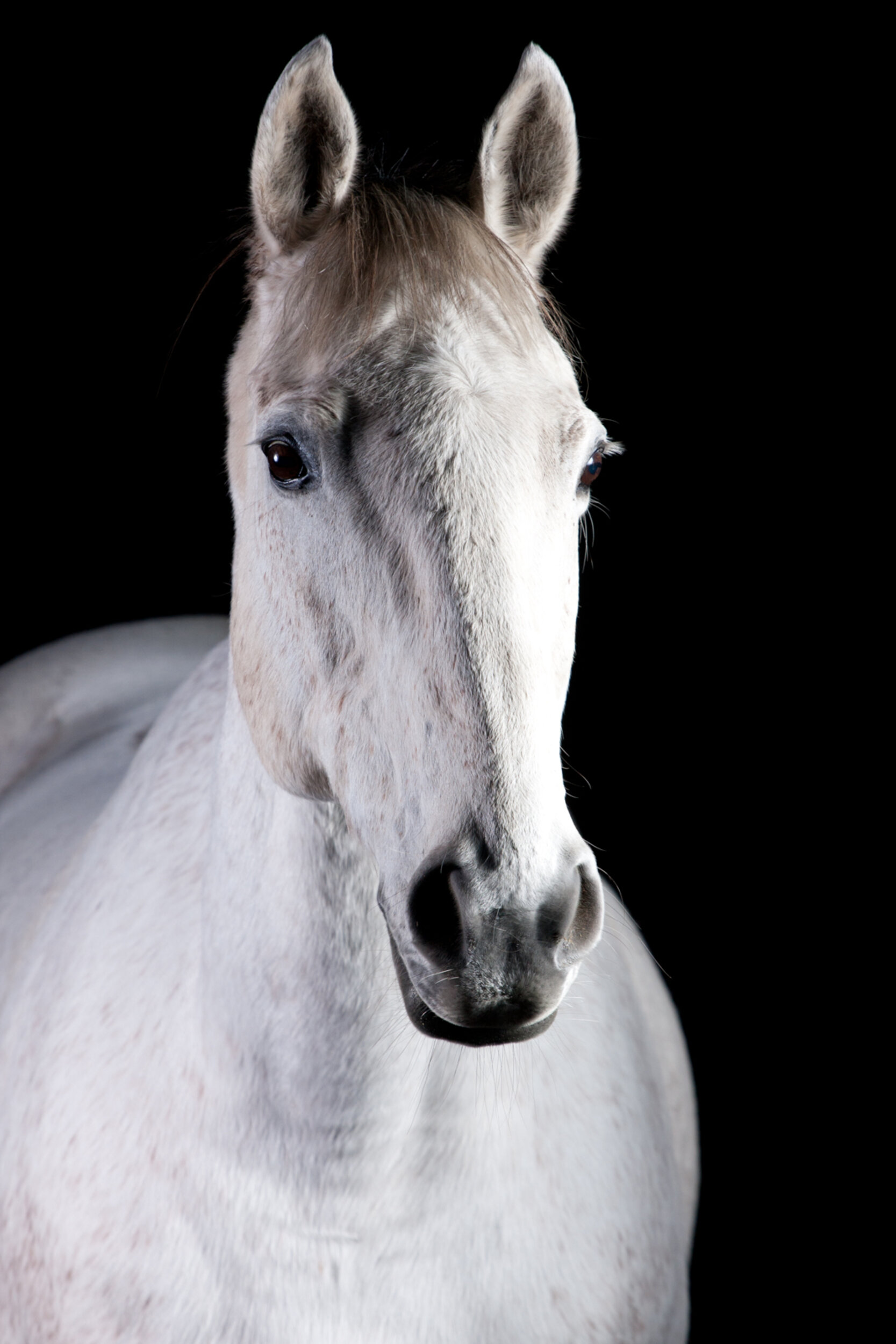
But whilst she is beautiful (ok, we may be a little bit biased) we enjoy having a variety of horses and ponies on our website. So how do you introduce horses of all ages to photography equipment in a safe and relaxed way?
The first concern is always the horse’s safety, physically and mentally. We tend to introduce them to the equipment in a sand school which has the added bonus that if any of the equipment gets knocked over it generally has a soft landing and doesn’t break. By being in an enclosed environment which is big enough for the horse to move completely away from the equipment if it feels stressed, we can ensure that there is never too much pressure on the horse to do something they are not comfortable with whilst keeping them contained which allows photos to be taken without a bridle or head collar.
This being said, every horse we have photographed has been very curious about the equipment and so far we’ve had no problems. We introduce the camera stands first as these are static and vaguely resemble a jump stand. Most horses aren’t troubled by these. The more challenging things to introduce are the umbrella, the flash, and the reflector, which is a large round circle of crinkled silver fabric. (See the photos below for a few examples of the setup process).
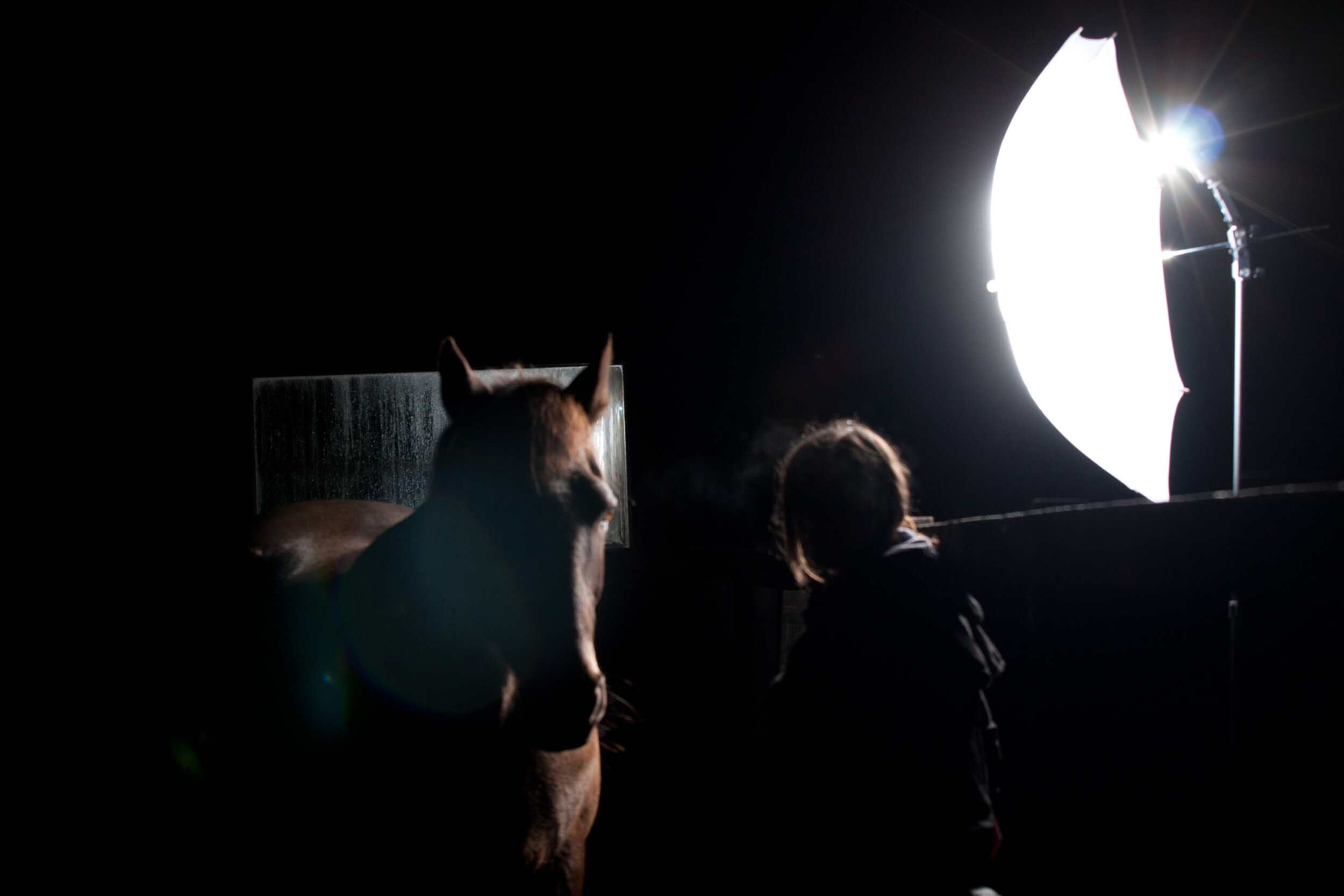
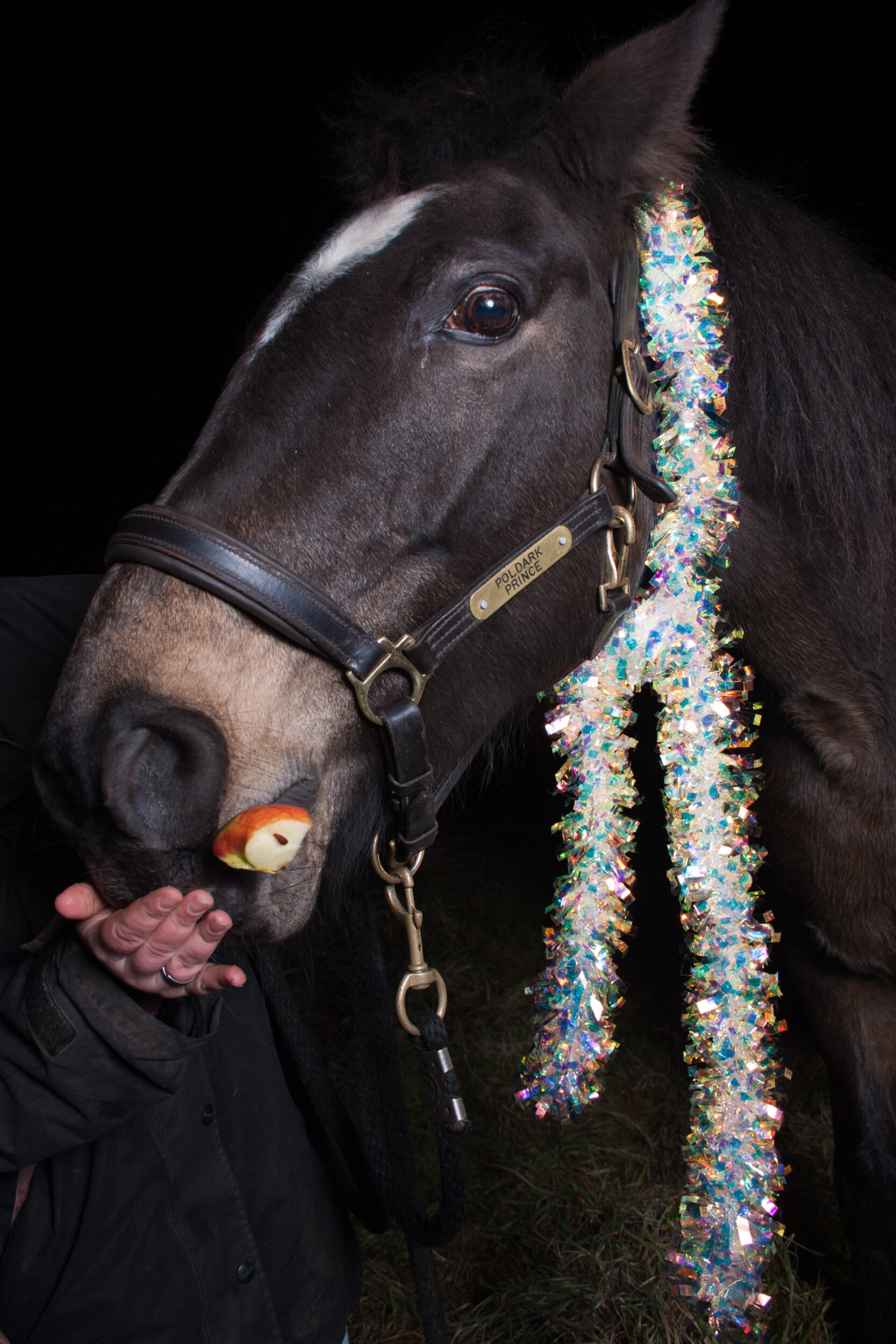
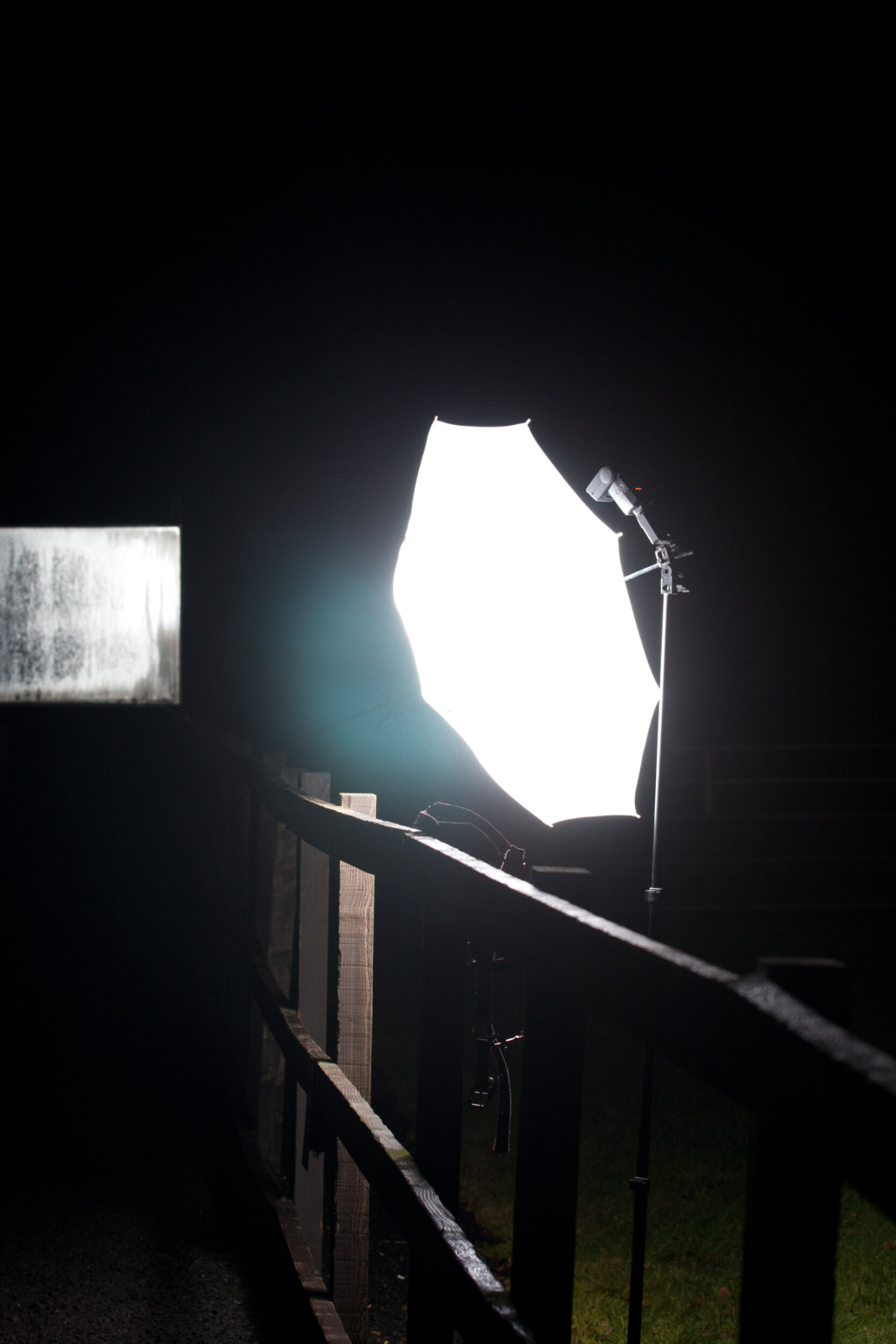
We introduce these items one at a time. We also find it can be helpful to have the horse loose in the sand school so that they can decide how close they want to be to the equipment. Most horses are surprisingly relaxed with it all, and some have been known to give the reflector a little nibble!
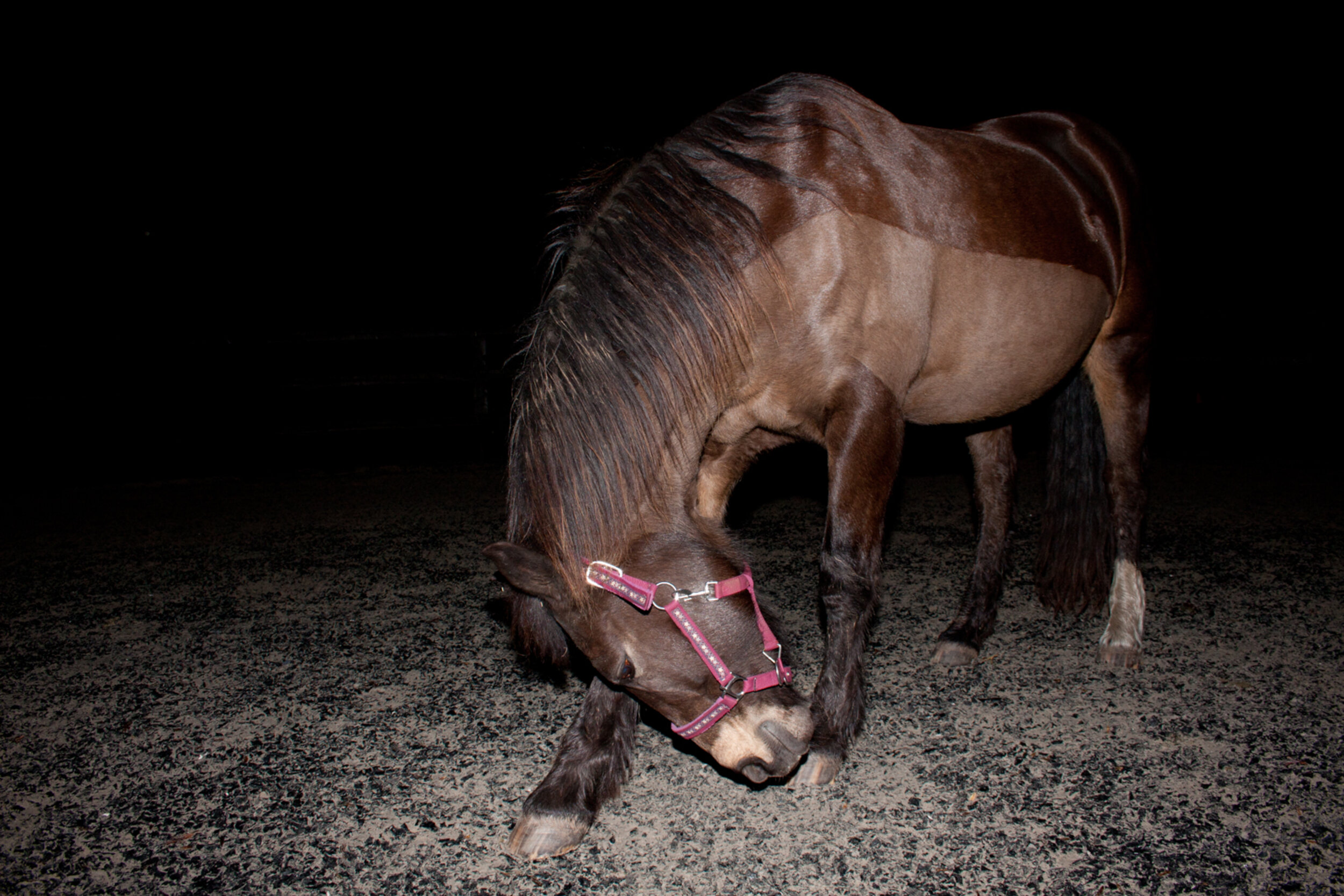
The first photos might only be ‘ok’ whilst you get the lighting setup right
We also try and introduce the flash in daylight/dusk so that it isn’t too intense when they first experience it. The photos taken with a black background are usually shot at night and this experience can be overwhelming for a horse if they haven’t seen all the equipment and experienced the flash in daylight first.
We try and give each horse at least one session to get use to the experience before we aim to take any usable photos. We also try and do the photo sessions at a time when no one has to rush off after a set time so that there is no pressure to get things “right”.
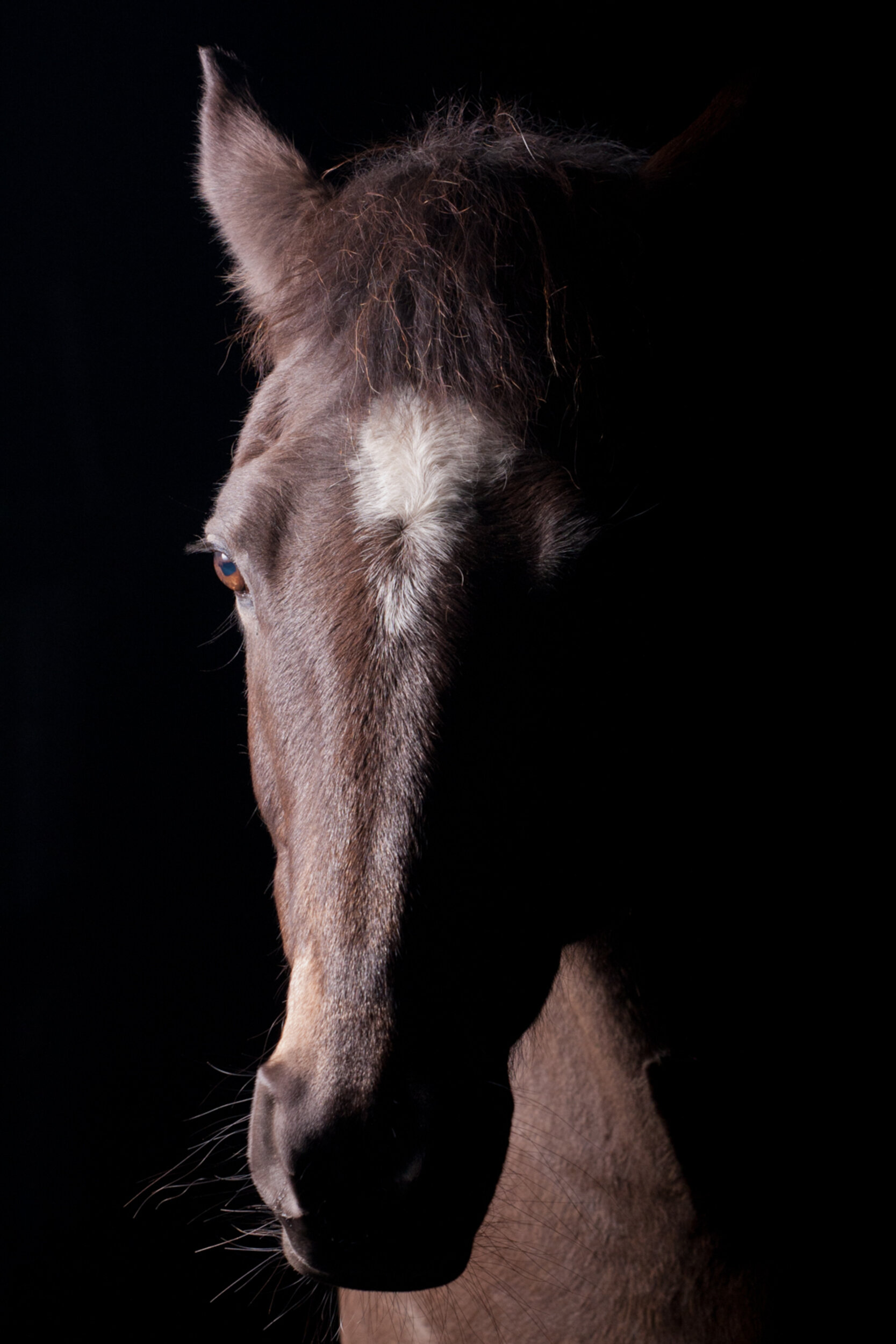
With a little work you’ll get the lighting just right (although no guarantee the ears will be forward).
If we found a horse was completely not ok with the process we would, of course, accept that not all horses want to be models for us and that’s completely alright. We are always prepared to accept not every session will result in a usable photo.
As we said, the welfare of the horse is always the most important thing to us, and the horse’s owner is always present throughout the session as photos are being taken. Also stressed horses look stressed, so we know that when we take care to help horses be calm and happy, it is reflected in the pictures.
These sessions are always a lot of fun, and all of our model horses are volunteers. Their owners get to keep all the photos we take for free and in return we use the pictures on our blog and Facebook posts for At The Yard.
If you’ve stumbled across this post and haven’t heard of At The Yard before please take a moment to visit our website and find our more. At The Yard is the game changing equine livery yard management app that we promise will save you time and money. Please visit our contact page and get in touch to find out more or follow us on Facebook to keep up to date with it’s progress or just to check out the latest photos.
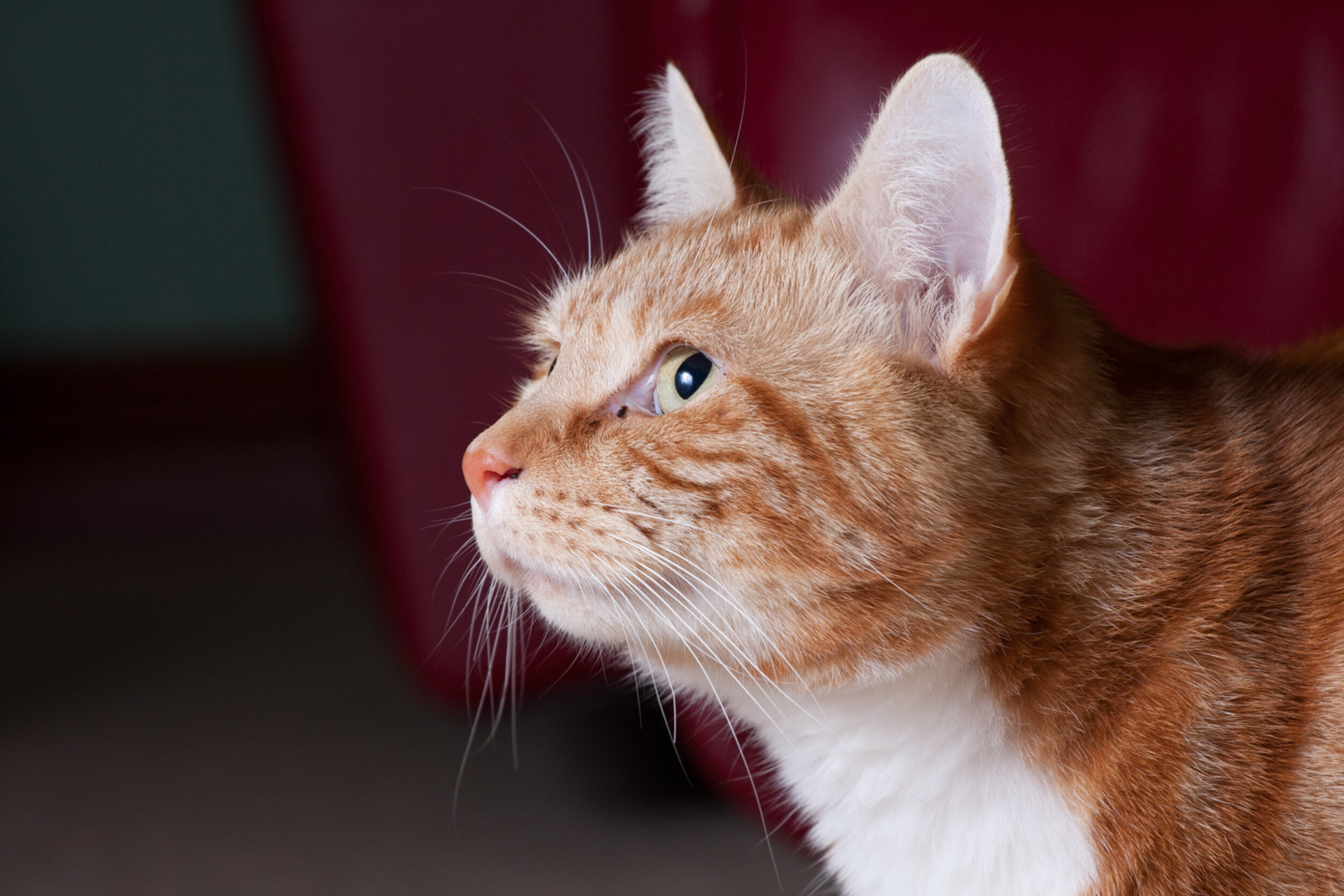
P.S. The same general techniques also work well on cats. Although in the case of this photo he ended up sitting on the reflector and breaking it!!!